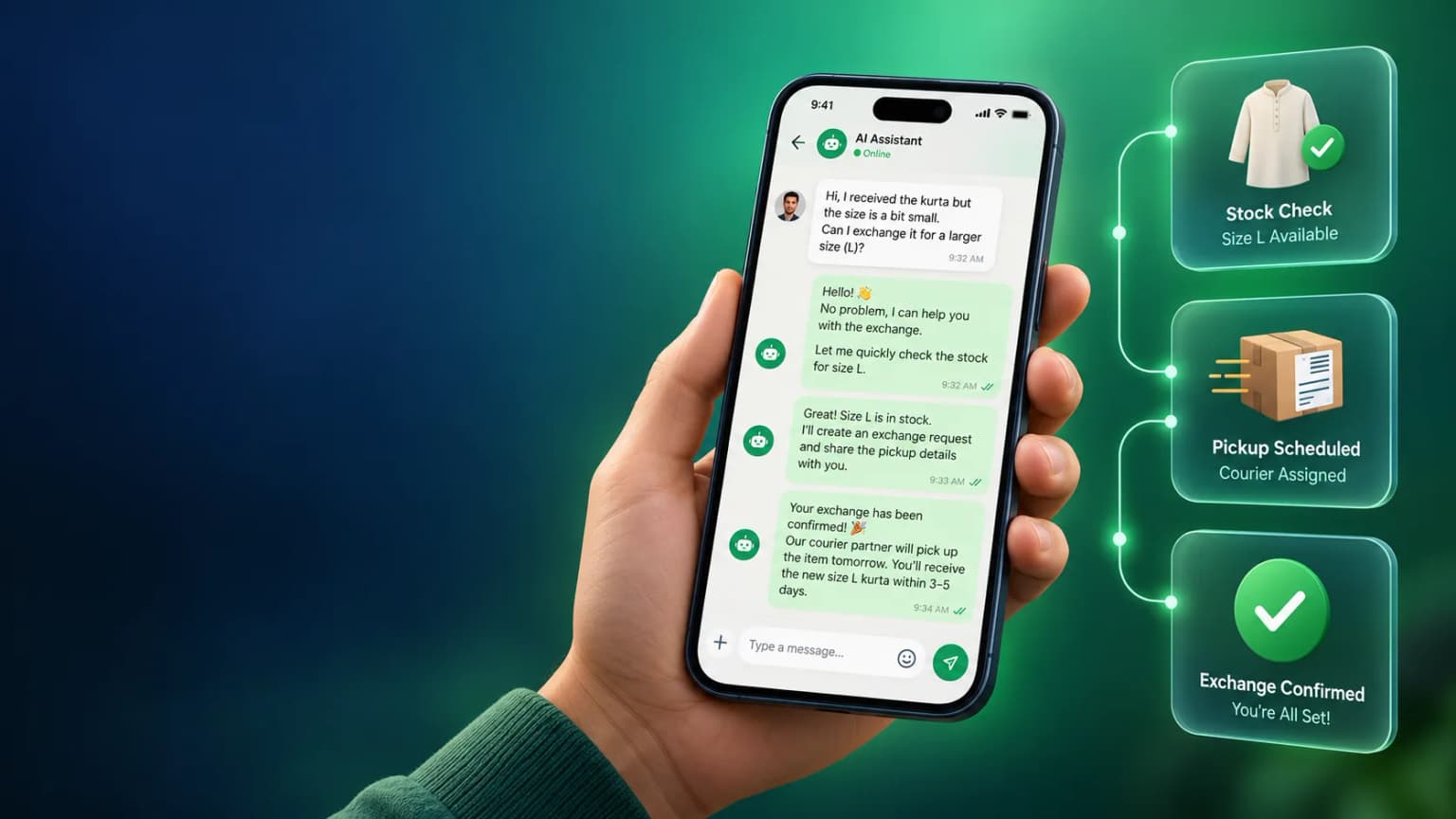
Shopify merchants can use WhatsApp for order communication, customer support and permitted marketing — but which workflows actually fire for your store depends on which integration you use, what the customer consented to, the message category, and your store setup. This guide covers each realistic workflow honestly, what people researching this usually ask, and how the common tools compare, built on the official WhatsApp Business API with a native Shopify App Store listing.
On This Page
Searches like “WhatsApp automation Shopify reddit” tend to circle back to four recurring themes rather than a single definitive answer.
How much setup and ongoing maintenance a Shopify-to-WhatsApp connection actually needs, whether a developer is required, and what happens when Shopify changes an API or webhook format.
How the two layers of cost — a platform subscription and Meta’s own per-message charges, which vary by category and recipient country — add up at a given order volume, versus what a listing page implies.
How to tell whether a WhatsApp message actually drove a sale or a cart recovery, rather than coinciding with one that would have happened anyway.
What happens when a webhook is missed or delivered twice, a template gets paused for quality reasons, or a message fails to send — and how visible that failure is to the merchant.
Disclaimer. This reflects common patterns and recurring questions seen in public discussion about ecommerce WhatsApp tools generally — it is not a summary of specific cited threads, usernames or quotes, and should be treated as a starting checklist rather than a verified consensus.
Five triggers that cover most of what a Shopify store actually needs — each with the condition that governs whether the message can legitimately go out.
Order → Eligible Update New Order Placed
When a Shopify order is placed and paid, a status update — order confirmed, packed, shipped, out for delivery, delivered — can be sent using a Meta-approved utility template, provided the customer has not opted out and the message stays inside the allowed category for that event.
Question → Automated Response or Routing Customer Question
Routine pre-sale questions — sizing, delivery timelines, stock availability, return policy — can be answered by an automated flow or AI chatbot first, with handoff to a human agent the moment the question needs judgment or the customer asks for one.
Abandoned Cart → Eligible Reminder Only Where Permitted Cart Abandoned
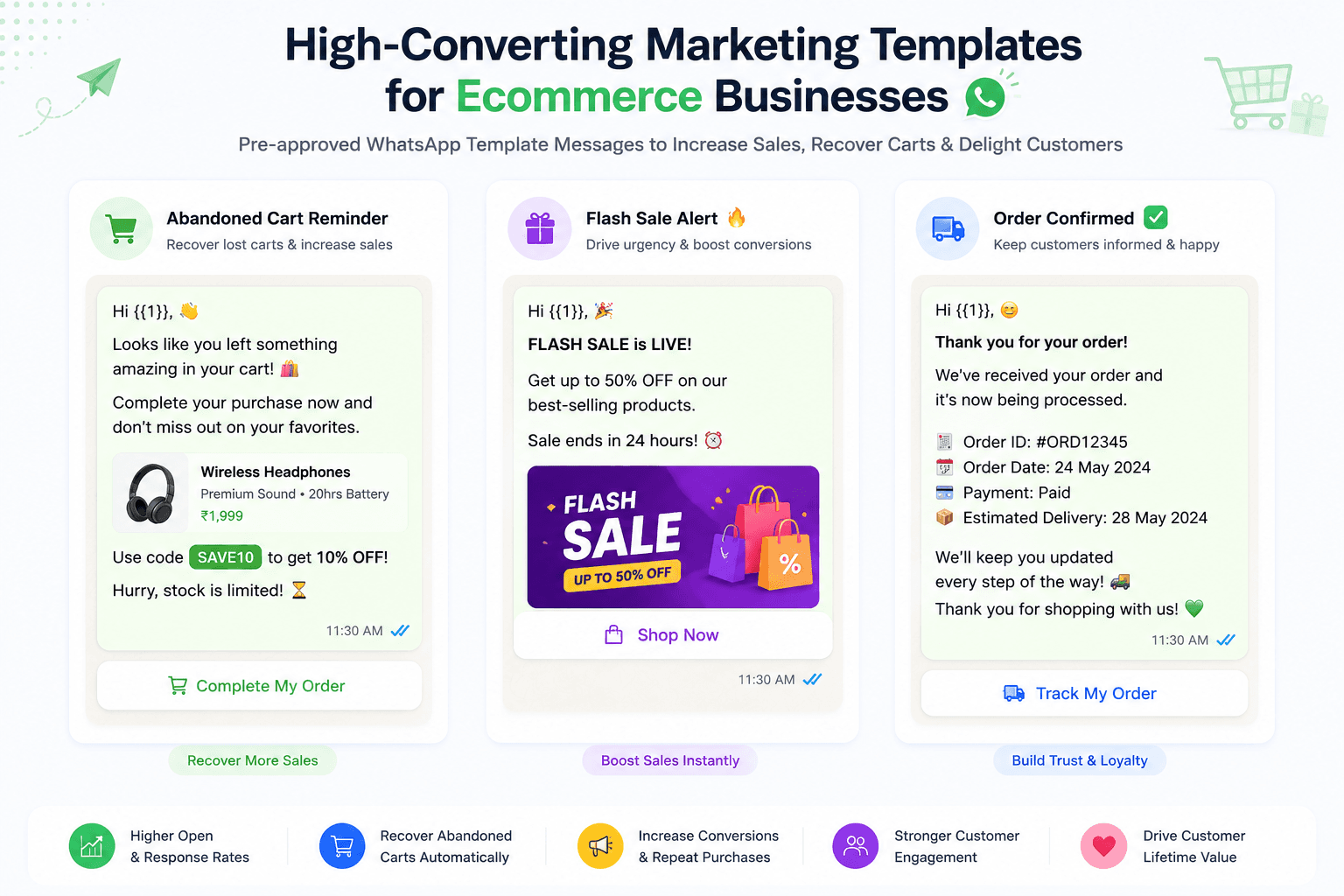
A cart reminder can be sent to a customer who has opted in to receive such messages and where current WhatsApp and Shopify messaging rules allow it for that contact. This is not automatic or guaranteed for every store, number, or customer — it depends on consent records and message category, and should be reviewed against your own setup rather than assumed.
Support Request → Support Conversation Support Request
When a customer messages first — a delivery issue, a return request, a complaint — that opens a standard support conversation inside the 24-hour customer service window, where a wider range of message types is typically allowed without a pre-approved template.
Post-Purchase → Service Update or Permitted Promotional Message Post-Purchase
After delivery, a service-category update (delivery confirmation, review request) can be sent to the customer. A promotional follow-up — reorder nudge, upsell, win-back offer — can only go out to contacts who have separately consented to marketing messages, under the marketing message category.
Six platforms compared on the things that actually decide whether a Shopify-WhatsApp workflow holds up in production.
| Capability | BetaXLab | WATI | Gallabox | Interakt | AiSensy | Zoko |
|---|---|---|---|---|---|---|
| Order & Cart Triggers | Native Shopify integration via store webhooks — order placed, fulfilled, shipped, delivered — mapped to automation flows; no custom code needed for the standard set | Shopify triggers available through its own app connection; depth of events varies by plan | Shopify triggers supported; strongest on building the response flow visually | Shopify-native triggers with an ecommerce-first event set | Shopify triggers included as part of its broadcast and automation tooling | Shopify/commerce triggers built around catalogue and order events |
| Order Data in Messages | Order number, line items, product image, tracking link and delivery status pulled from Shopify order data into the message template | Order details mergeable into templates; field coverage depends on the integration tier | Order and customer fields available for personalisation | Rich order data personalisation, geared to retail catalogues | Order fields mergeable into broadcast and automation templates | Order and catalogue data personalisation for commerce flows |
| Campaign & Flow Analytics | Per-message delivery, read and click tracking, plus tracked CTA links so replies and conversions can be traced back to the triggering order or campaign | Delivery and read analytics; attribution detail often tied to higher tiers | Flow-level analytics with visual reporting | Analytics oriented toward ecommerce conversion events | Broadcast and automation analytics as a core feature | Commerce-focused analytics tied to catalogue and order flows |
| Setup Complexity | Install from the Shopify App Store, connect a WhatsApp Business number, turn on the workflow templates you need — most standard flows need no custom code | App-store style install; some advanced flows need manual configuration | Visual flow builder with a learning curve for complex journeys | Store connection plus flow setup, ecommerce-first onboarding | Straightforward connection for standard broadcast and automation use | Commerce-first setup; less natural outside retail catalogues |
| Pricing Positioning | Flat, published platform subscription tiers plus Meta’s per-message charges passed through at cost — see current plans on the pricing page | Tiered plans with add-ons that can change effective cost — check current pricing with the vendor | Plan tiers plus usage-based components — confirm current pricing directly | Tiered plans with usage components — confirm current pricing directly | Credit-style purchasing that varies with volume — confirm current pricing directly | Higher-tier positioning for commerce features — confirm current pricing directly |
| Ongoing Maintenance | Template re-approval status and webhook health are visible from the same dashboard as the rest of the WhatsApp CRM, rather than a separate tool | Maintenance manageable from its dashboard; some monitoring may sit in Meta’s own tools | Flow health visible in its builder; template status tracked separately | Maintenance centred on the ecommerce integration panel | Template and automation status visible in its dashboard | Maintenance tied closely to the commerce/catalogue sync status |
Comparison reflects publicly documented positioning at time of writing, described qualitatively rather than by price — not live data. Vendor features, packaging and pricing change — verify current details with each provider before purchasing. See transparent pricing for BetaXLab plans.
Yes, with specifics rather than a blanket promise. Here is precisely what is native, what is consent-gated, and what depends on your plan.
Native Shopify integration, installable from the Shopify App Store. Connects store events to WhatsApp automation through Shopify webhooks — order placed, paid, fulfilled, shipped and delivered events can each trigger a corresponding WhatsApp message without custom development for the standard workflow set.
Pre-built templates for the standard order lifecycle. Order confirmation, shipping and delivery updates, COD order confirmation, review requests and reorder reminders — merchants turn on the ones they want rather than building from a blank canvas.
Abandoned-cart and other promotional messages are consent-gated. Only sent to contacts who have consented to that category and where current WhatsApp and Shopify messaging rules permit it for that contact — this is a consent and policy gate, not an on/off switch for the whole customer list.
Exact flows depend on plan and current integration status. Which specific flows are enabled on a given account depends on the plan and current integration status — request an integration demo or review currently supported integrations rather than assume a particular flow is already live.
See the full Shopify WhatsApp automation and ecommerce automation pages for the complete, currently documented workflow list.
Seven things worth confirming before trusting a Shopify-WhatsApp workflow with real orders and real customers.
Map which order events trigger a message. Confirm which Shopify events — placed, paid, fulfilled, shipped, delivered, cancelled, refunded — are mapped to a WhatsApp message, and which are deliberately left out.
Watch for duplicate webhook deliveries. Shopify can retry a webhook if it does not get an acknowledgement in time. Make sure duplicate events are de-duplicated so a customer does not get the same shipping update twice.
Keep a separate opt-in record. Store opt-in source and timestamp per contact, independent of the Shopify customer list, so you can show when and how a customer agreed to WhatsApp messages of a given category.
Track template approval status per message type. Each message type (order update, cart reminder, promotional nudge) needs its own Meta-approved template in the correct category — utility, marketing or authentication — and category affects what can be sent and to whom.
Build a path for failed sends. Plan for invalid numbers, paused templates and rate limits so a failed order update does not just go silent — route it to a fallback channel or a visible failure log.
Attribute replies and clicks. Use tracked links or a contact/order ID in the message so a reply, click or completed purchase can be traced back to the triggering event rather than guessed at.
Know how to pause and troubleshoot one workflow at a time. Be able to pause a specific flow — abandoned cart reminders, for example — without disabling transactional order updates, and know who owns troubleshooting when a flow misfires.
Start with the workflow that is visibly costing you revenue right now — abandoned carts, unconfirmed COD orders, or support questions nobody is answering fast enough. Request a demo and we will review which integrations are already live on your plan.
Last reviewed: October 14, 2026 — tool positioning, pricing and integration specifics change; verify current details before purchasing.
Related Reading
Have questions about your Shopify integration?
Ask Us →