Most businesses get stuck here — not because it's impossible, but because the process has very specific requirements most people don't know about.
Meta rejects documents that don't match exact format requirements — wrong file type, blurred scan, or mismatched business name causes immediate rejection.
Without knowing exactly what Meta needs, businesses spend weeks in re-submission loops — each rejection resetting the review timer.
Message templates get rejected for wrong category, promotional language in utility templates, or incorrect variable formatting — all preventable with experience.
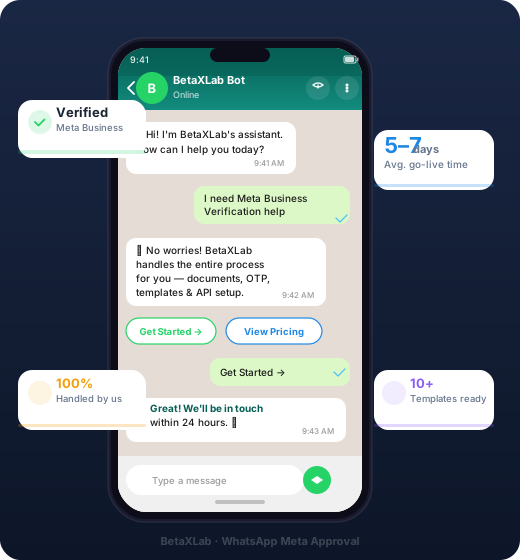
BetaXLab has done this hundreds of times. We know every checkpoint Meta checks — and we handle each one for you.
We create and configure your Meta Business Manager account — correctly structured from day one so nothing gets rejected later.
We guide you through exactly which documents to provide and submit them on your behalf — no back-and-forth with Meta support.
We register your business phone number with the WhatsApp Business API and complete the OTP verification process.
We write, format, and submit your message templates in the correct category so they get approved on the first try — not rejected.
Once approved, we connect your WhatsApp number to the BetaXLab platform and run a full test before handing over.
Once Meta approves your number, BetaXLab connects everything. Chatbots, CRM, team inbox, bulk campaigns — live and running from day one.
Every template is submitted in the right category with the right format — so it gets approved, not rejected.
Requires opt-out button. We write policy-compliant copy.
Fastest approval category. Must be transactional — no promotions.
Simplest category. Near 100% first-try approval rate.
Meta verification and template approval are included in every BetaXLab plan. No add-on fees.
BetaXLab sets up your chatbot flows during the verification window — so the moment your API is active, your automation is already running. No extra setup time.
How long does Meta Business Verification take?
Meta typically takes 2–5 business days to verify a business once documents are correctly submitted. The full process — from Business Manager setup to API activation — takes 5–7 business days with BetaXLab managing every step.
What documents do I need for Meta Business Verification in India?
For Indian businesses: MSME certificate, business PAN card, and a utility bill or bank statement matching the registered business address. BetaXLab tells you exactly which to provide.
What if my Meta verification gets rejected?
Rejections usually happen due to incorrect document format or wrong business category. BetaXLab handles resubmissions at no extra cost — we stay with you until you're approved.
Do I need a green tick to use WhatsApp Business API?
No — you can use the WhatsApp Business API without a green tick. The green tick (Official Business Account badge) is a separate application. BetaXLab can apply for it after your API is active.
What is the difference between WhatsApp Business App and WhatsApp Business API?
WhatsApp Business App is free but limited to 1 device, 5 users, and no automation. WhatsApp Business API (via BetaXLab) supports unlimited agents, chatbots, bulk messaging, CRM integration, and automation — designed for businesses at scale.
Can I use my existing WhatsApp number for the Business API?
Yes, but the number cannot be actively used on WhatsApp Business App at the same time. BetaXLab helps you migrate your existing number or register a new one, depending on your situation.
Is WhatsApp template approval included in BetaXLab's plan?
Yes. Template writing and submission are included. BetaXLab writes compliant templates in the right category (Marketing, Utility, or Authentication) and handles resubmissions if any are rejected.